Photoshop, Illustrator
& Procreate—
built in. Free.
A full pro design suite right in your browser. Retouch photos, draw vector logos, paint by hand — 81 tools across three modes, plus AI, print-and-cut and an installable app. No Adobe subscription.
Edit photos & flyers, pixel-perfect
Work in layers on real raster artwork — retouch a photo, comp a flyer, mask and blend, then export print-ready.
Logos & clean scalable art
Resolution-independent paths and shapes that stay razor-sharp at any size — the right tool for logos, badges and cut files.
Paint & illustrate by hand
Natural, pressure-sensitive painting that feels great with an Apple Pencil — illustrate, sketch, even animate frame by frame.
More than a canvas
Built-in AI
Generate an image from a prompt, generative fill, image trace to vector, remove background, select subject.
Print & cut
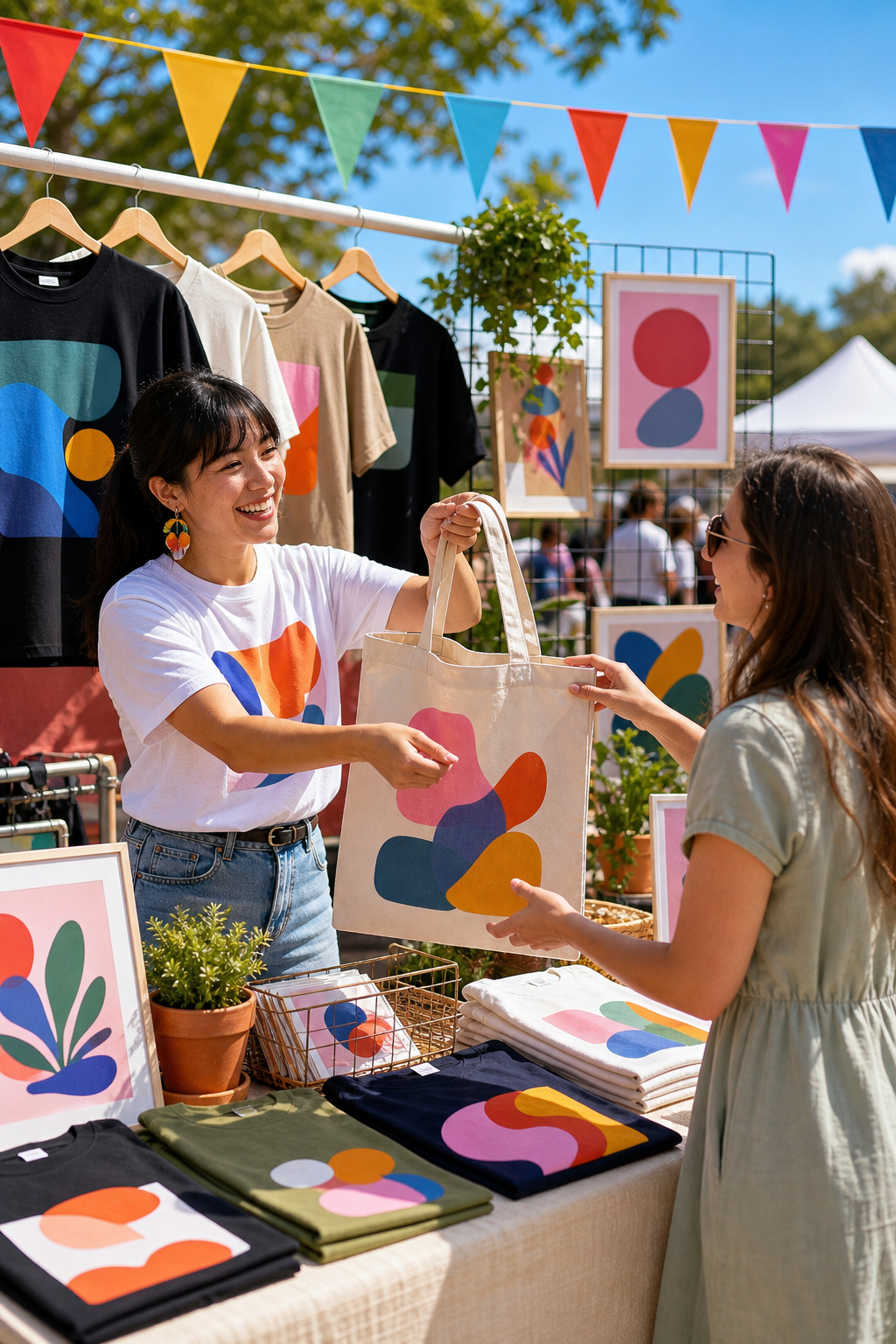
CutContour spot lines, bleed / trim guides and heat-press mirror — export a print pack (PNG + SVG) ready for merch.
Export anywhere
PNG, JPG, WebP, PDF and SVG out; multi-document tabs let you work several designs at once.
Made to fly
Undo/redo, fully remappable keyboard shortcuts, tool-aware right-click menus, autosave on every change.
Shared libraries
Asset, template and font libraries — upload a font once and it joins the site-wide library for everyone.
Help that answers
A complete in-app help guide plus an AI assistant that answers only from it — so you are never stuck.
The usual way
- $ ~$60/mo for the Adobe suite
- $ Procreate is iPad-only
- × Installs, licences, updates to manage
- × Nothing tied to your ticketing or merch
BuzzHive Graphics Studio
- ✓ Raster, vector and paint in one place
- ✓ Runs anywhere; install it as an app
- ✓ AI generate / fill / trace / remove-bg built in
- ✓ Print-and-cut straight to your merch
- ✓ Free on every BuzzHive account
Design it
in-house.
Flyers, logos, merch art and social graphics — all in one studio that lives where you already sell. Install it and start.