The event page designer for club nights, raves, concerts and festivals. Start from 25+ vibes, the real page loads on a live canvas, and you click anything to change it. What’s on the canvas is what goes live, and it holds up on a phone.
Free on every BuzzHive account. No design skills needed.
How it works 25+ vibes
Pick it. Change it. Publish it.
No blank page and no code. Start from a vibe, make it yours on the canvas, and save it for the next show.
One click
Start fast
Pick a vibe. It loads on the canvas.
Choose from 25+ scene vibes across event families (Underground, Weddings, VIP, Corporate, Outdoors and more). The whole themed page loads onto a live canvas, ready to change. Never a blank page.
25+ scene vibes across every event family.
The entire themed page loads on the canvas, ready to edit.
Every vibe is fluid and built to hold up on a phone.
Click any element and give it another vibe’s look: a Berlin headline over a DnB roster. Layer effects, backdrops, patterns and textures, then swap the page layout itself. Whatever the canvas shows is exactly what publishes.
Swap any element’s look across all 25 vibes: headline, lineup, even the buy button.
Layout swaps: Stacked zine, Mirror flip, Billboard and more, per vibe, in one tap.
25 signature effects and 37 live effects, every glow recolorable to your color.
Per-element fonts, colors, outlines and glow that really publish. Fonts load on the live page.
Device preview (desktop, tablet, phone), undo and redo, and match colors from your flyer.
Save your custom vibe into named folders and reuse it on every event. Publish it live straight from the File or Save menu, or share it to the Vibe Gallery and fork the designs other promoters built.
Effects, backdrops, layouts and merch, all on the same canvas as your tickets.
Holds up on a phone
Phone layout is built in by how the page is made. Your page can’t break on mobile.
Effects in your colors
37 live effects plus 25 signature behaviors, and every preset glow recolors to your own hex, right from the Effects panel.
Backdrops, patterns and textures
9 colorable background effects (Alien-code glyph rain included) with intensity and a dim mask, 15 sacred-geometry patterns with color, animation and glow, and 10 material textures from film grain to foil.
Layout swaps
Swap the arrangement itself: Stacked zine, Mirror flip, Billboard and more, tuned per vibe. Your styles, effects and edits survive every swap.
Custom link and buy widget
A clean link for your event, plus an embeddable buy box for any outside site.
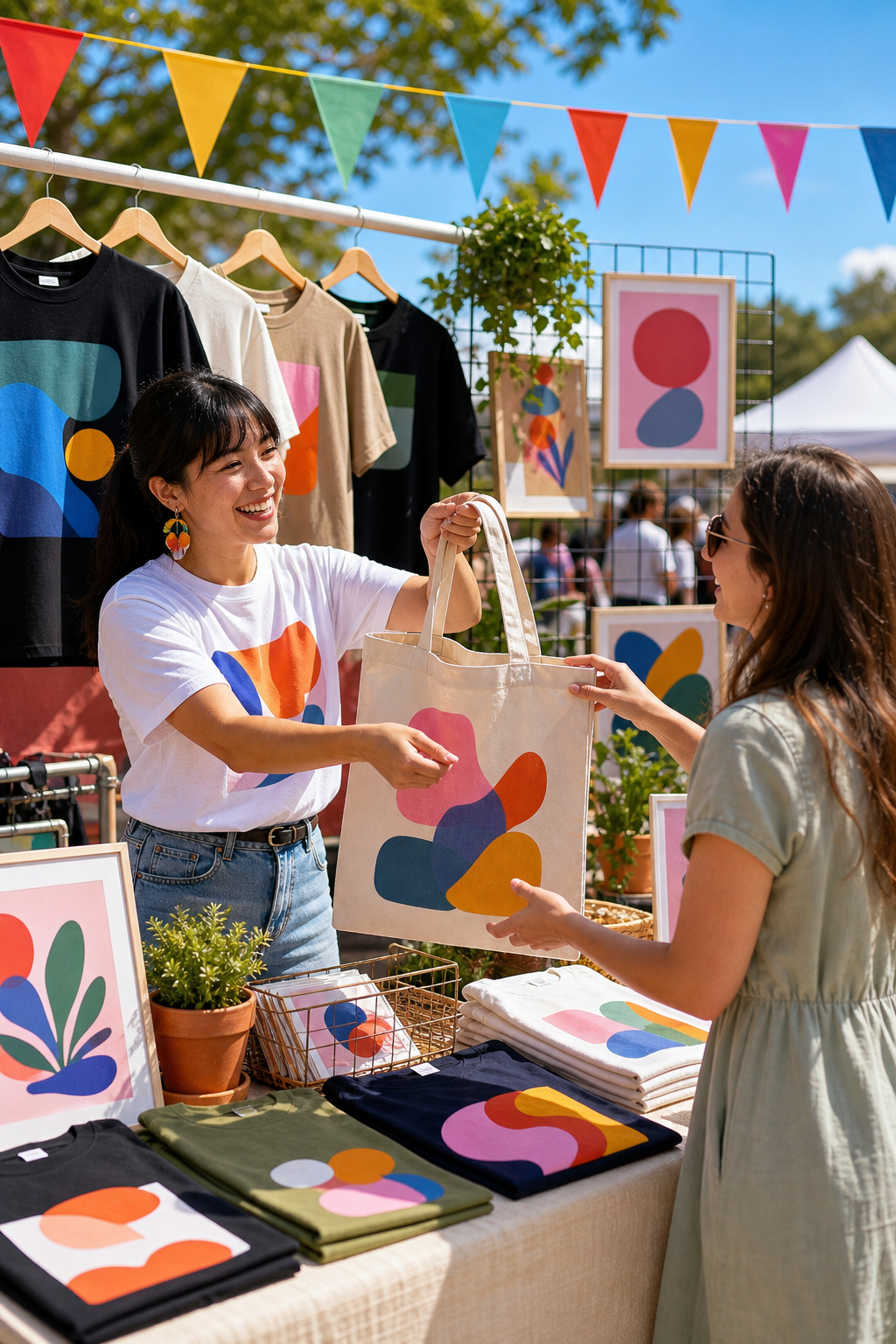
Sell merch on the page
Drop a Product element onto your event page and bind it to your catalog: live photo, price and a real add-to-cart. Or pick products in Manage → Event merch. One catalog, one stock count.
Ready-made sections
Drag in heroes, lineups, ticket boxes, countdowns and more. Each one takes on your current theme.
Match your flyer
Pull colors straight from your flyer so the page and the art look like the same night.
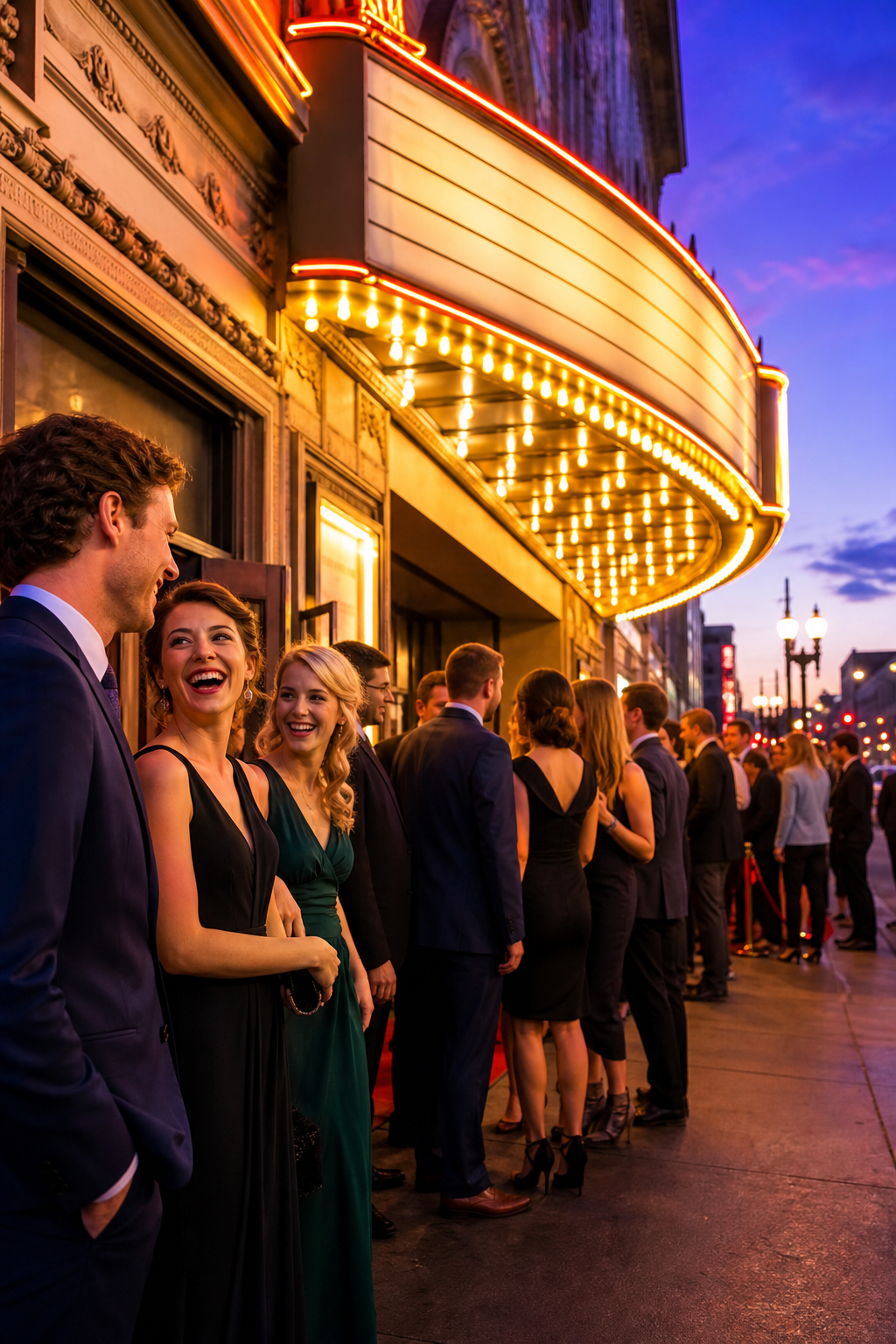
Your ticket page is the first thing your crowd sees. It should look like the night you’re throwing.
A generic form
Cookie-cutter checkout
Looks like a spreadsheet.
Same template as everyone else.
No control over your brand.
Breaks on phones.
BuzzHive Vibe Studio
Looks like your night
25+ vibes, and every look swaps across them.
Layout swaps, signature effects, glows in your colors.
Backdrops, patterns, textures and Alien-code rain.
Canvas = live page, and it holds up on a phone.
Free on every BuzzHive account.
Questions
Before you start.
What does it cost?
Nothing. The Vibe Studio is free on every BuzzHive account. You keep your full ticket price; the buyer covers the fees at checkout.
Do I need design skills or code?
No. Pick a vibe and the whole page loads. Click anything to change it, drag it, resize it, and drop in text, shapes and effects. No code at any step.
Will it look right on a phone?
Yes. Every vibe is fluid and built to hold up on a phone, and device preview shows desktop, tablet and phone before you publish.
Is what I see what goes live?
Yes. What’s on the canvas is what publishes, including your fonts, colors, outlines and glows.
Can it draft a design for me?
If you want. You can describe your event and have the studio draft a vibe, generate a backdrop, or make an image inside the studio. It’s optional. Most promoters start from a vibe and their own flyer.
Can I reuse my design on the next event?
Yes. Save it into your own folders and reuse it on every future event, or share it to the Vibe Gallery.
Make ityours.
Start from a vibe or build your own, match your flyer and ship a page that looks like the night you are throwing, right where you already sell.
Hi! I'm an AI assistant for BuzzHive. Ask me about refund policies, transfers, lost ticket emails, or anything else. For account-specific stuff (your specific order, refund decisions), I'll point you at a real person.